
Download 115Chromium – 115Life, 115Management, cloud sync, file management, quick login, productivity tool, browser utility, online access, task management
Overview
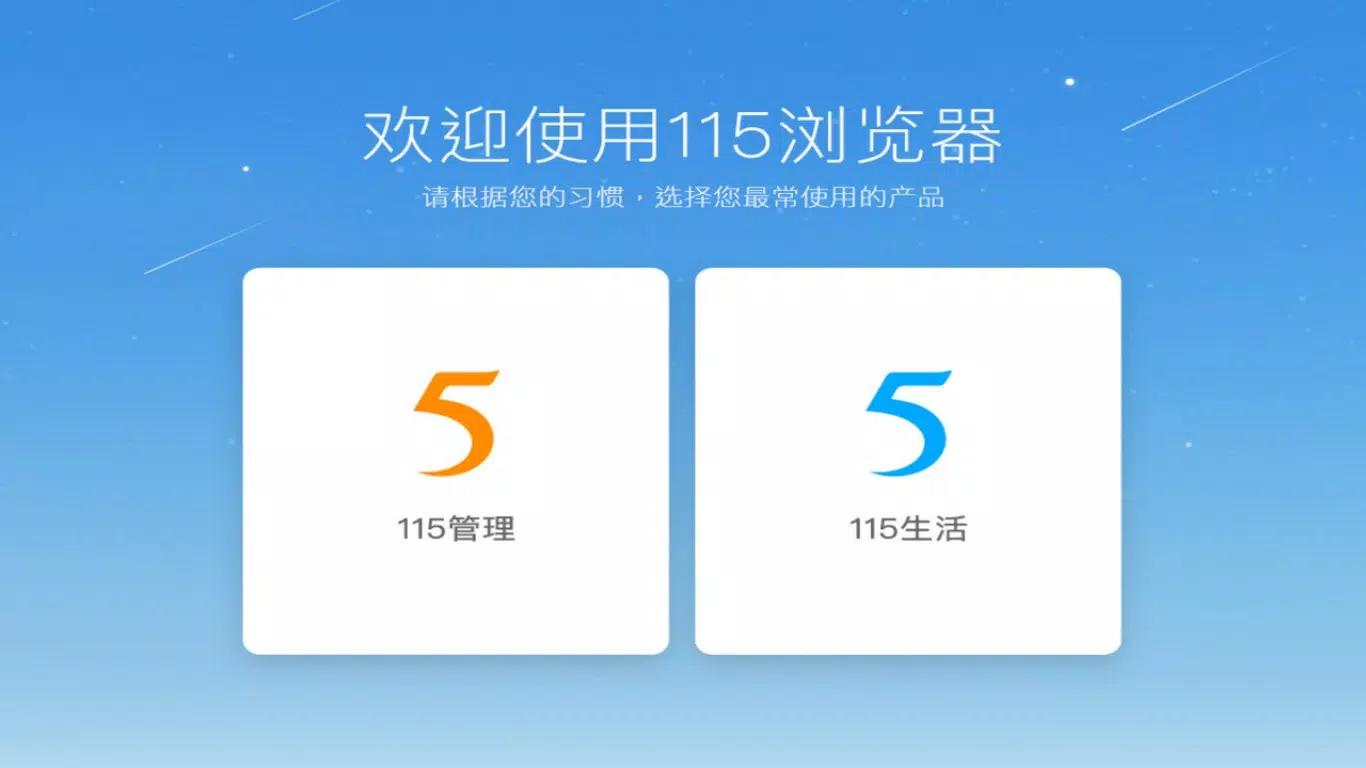
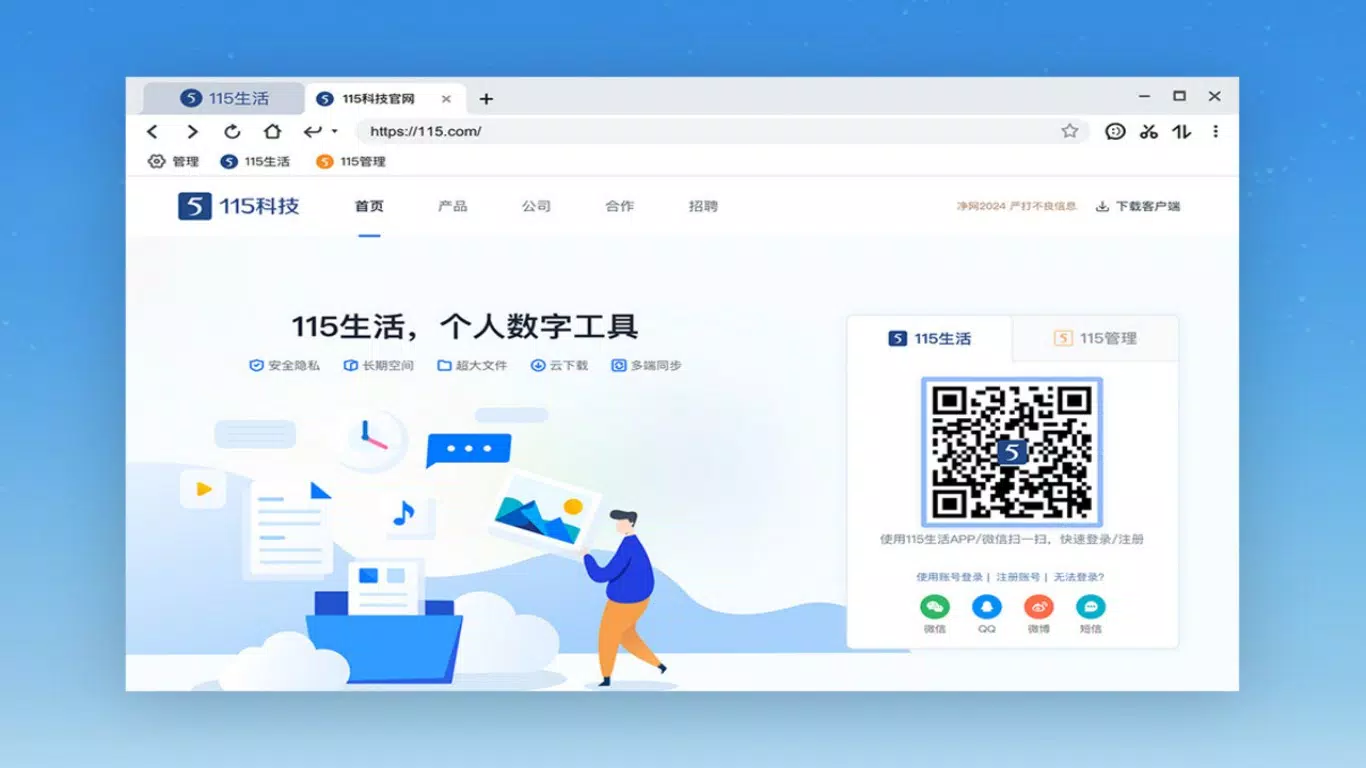
115Chromium is a productivity-focused desktop application designed to streamline internet access and task management for users who rely on integrated cloud services. Built as a PC client, it unifies the functionalities of 115Life and 115Management into a single, cohesive platform. The app aims to reduce friction in daily workflows by enabling rapid access to essential tools and data across devices.
Its primary purpose is to enhance efficiency for individuals and teams managing digital content, collaborations, and online tasks. Target users include professionals, digital organizers, and anyone who values seamless cloud-based access and file handling. The app supports quick account login, allowing users to bypass lengthy authentication processes and begin working immediately.
This is particularly beneficial for users managing multiple projects or collaborating in real time. The integration of cloud sync for bookmarks ensures that important links remain accessible regardless of the device being used. Real-world use cases include remote work setups, content curation, and file backup workflows.
While the developer did not provide additional technical details, the app’s focus on usability and integration suggests a strong position within the productivity ecosystem for users invested in the 115 platform.
Key Features & Functionality
- Quick Account Login: Users can log in to their 115 account instantly, eliminating repetitive sign-in steps. This feature is ideal for frequent users who need immediate access to their cloud resources and task dashboards.
- Cloud Sync for Bookmarks: Bookmarks and favorite links are synchronized across devices via the cloud. This ensures consistency whether accessing the app from a home PC, office workstation, or another machine.
- File Management Tools: The app includes drag-and-drop functionality for file backup and batch upload/download operations. This supports efficient handling of large volumes of data, making it suitable for users managing media libraries, project files, or document archives.
- Real-Time Notifications: Users receive instant alerts about task updates, collaboration changes, or system events. This keeps teams aligned and ensures no critical information is overlooked during active workflows.
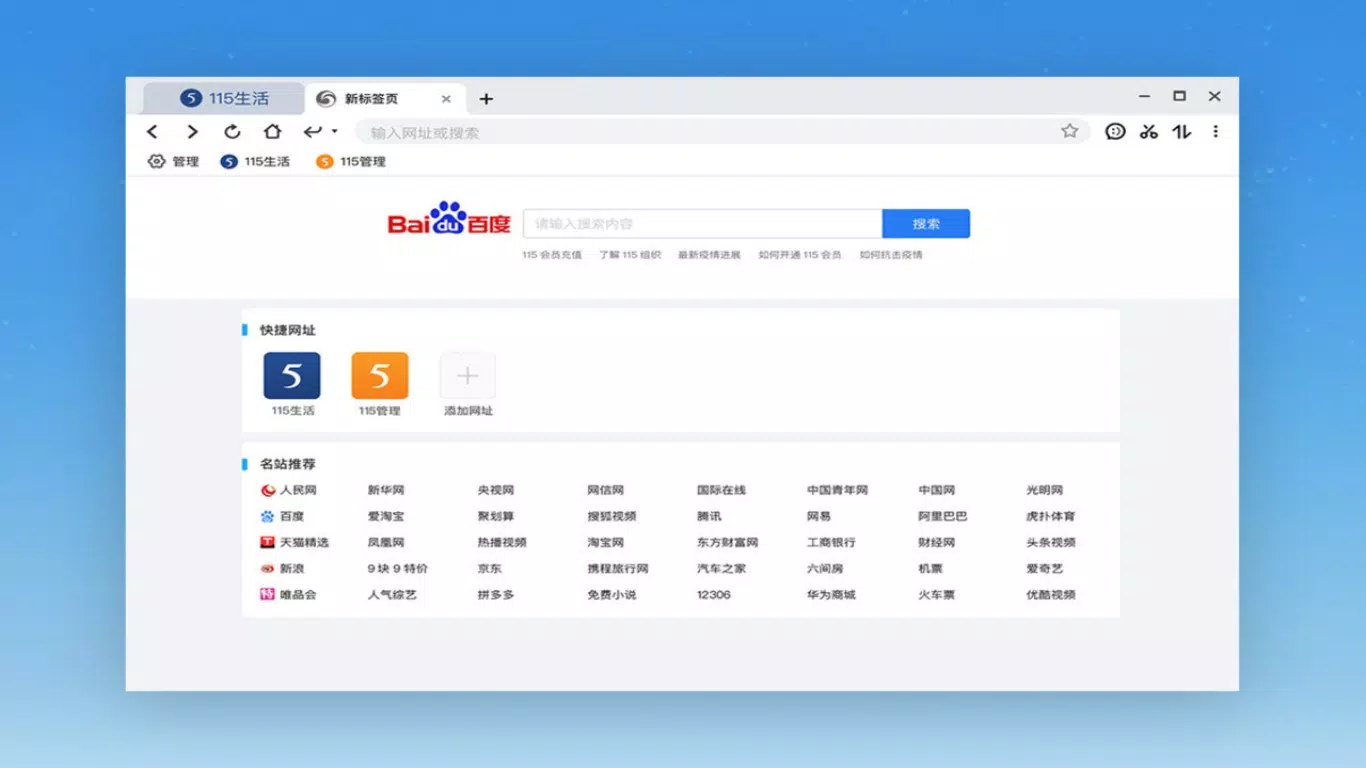
- In-Browser Tools & Extensions: Built-in utilities and expandable applications enhance browsing efficiency. These tools are designed to minimize distractions while boosting speed and functionality within the browser environment.
Each feature is structured to support a continuous, low-friction workflow. For example, a content creator can quickly log in, access synced bookmarks for research, upload completed assets using batch upload, and receive real-time alerts when collaborators review their work. Similarly, a project manager can monitor task progress through notifications and manage files across multiple devices with confidence in data consistency.
Interface, UX & Performance
The interface of 115Chromium is designed with productivity in mind, offering a clean and intuitive layout that prioritizes accessibility. Navigation is straightforward, with key functions placed within easy reach. The visual style emphasizes functionality over ornamentation, reducing cognitive load and enabling users to focus on their tasks.
The app supports responsive interaction across different screen sizes and resolutions, though specific performance metrics were not provided. Although the developer did not list formal performance metrics, the app’s file management and sync features suggest optimized background processes for stability and speed. Users can expect consistent responsiveness during file transfers and real-time updates.
The interface maintains smooth transitions between views, contributing to a seamless user experience. While the app’s performance on low-end hardware was not disclosed, its lightweight footprint of 125.5 MB indicates efficient resource usage. The absence of reported crashes or lag in public feedback suggests a stable core architecture.
Overall, the UX is tailored for efficiency, making it suitable for both casual users and power users managing complex workflows.
Platform Compatibility & Technical Requirements
115Chromium is available exclusively for the Windows platform. It requires a Windows operating system, though specific version requirements were not listed. The app has a file size of 125.5 MB, which is relatively compact for a productivity tool with integrated cloud services.
This size suggests a streamlined installation with minimal bloat. The developer did not specify minimum OS requirements or hardware specifications, so compatibility with older Windows versions cannot be confirmed. Users should ensure their system meets general Windows compatibility standards for desktop applications.
The app is distributed free of charge, with no in-app purchases or subscription tiers mentioned. Installation is straightforward, with no additional dependencies noted. While platform-specific details were not fully disclosed, the app’s availability on Windows indicates a targeted focus on desktop users seeking integrated cloud and task management solutions.
Pros and Cons
Pros
- Fast, seamless login for 115 account access
- Cloud sync for bookmarks across devices
- Efficient file management with batch operations
- Real-time notifications for task and collaboration updates
- Lightweight design with minimal system impact
- Free to download and use
Cons
- Platform availability limited to Windows only
- Specific OS requirements not disclosed
- No information on mobile or cross-platform support
- Developer did not provide detailed technical documentation
- Performance on older or low-spec systems not confirmed
FAQ
Is 115Chromium available for macOS or Linux?
The developer did not provide information about macOS or Linux compatibility. The app is currently available only for Windows.
Can I use 115Chromium without a 115 account?
Access to core features requires a 115 account. The quick login functionality is designed for existing users to streamline access.
Is the app safe to download and install?
115Chromium is distributed as a free tool by the official developer, 115. As with any software, users should download from trusted sources to ensure security.
Does 115Chromium support mobile devices?
There is no information available about mobile support. The app is designed for desktop use on Windows systems.
How often is 115Chromium updated?
Specific update frequency was not disclosed. Users are encouraged to check the official website for the latest version and release notes.
Final Thoughts + CTA
115Chromium stands out as a focused, efficient tool for users deeply integrated into the 115 ecosystem. By combining 115Life and 115Management into a single interface, it delivers a unified experience that enhances productivity and workflow continuity. The quick login, cloud sync, and file management features are thoughtfully designed to minimize friction and maximize output.
While the app is currently limited to Windows, its lightweight nature and free availability make it accessible to a broad audience. For professionals, digital organizers, and teams managing collaborative tasks, 115Chromium offers a reliable solution for streamlined online access and file handling. Its real-time notifications and in-browser tools further solidify its role as a productivity utility.
Although some technical details remain undisclosed, the app’s core functionality is clear and well-executed. If you rely on 115 services and seek a more integrated desktop experience, this tool is worth exploring. Download 115Chromium now.


